Check your plan and credits
See which plan your team is on, how many credits it has used this month, and what used them.
Every member of your team can open this page. It only shows; changing the plan is done with the NextSDS team.
Open Settings > Plan.
Read your subscription
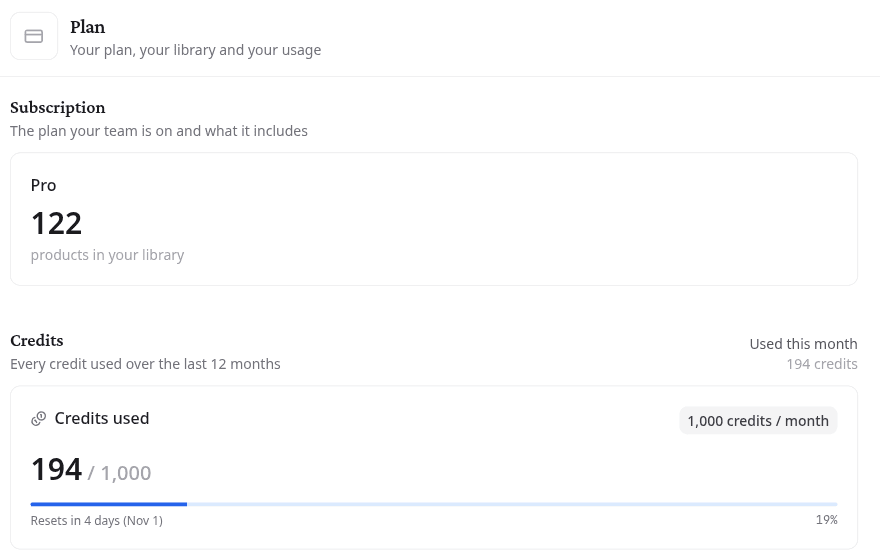
Subscription names the plan your team is on and counts the products in your library.
Follow your credit use
Some actions use credits: each product the SDS Agent searches costs 10, and translating a safety card or an AI summary costs 1. Credits used shows what your team has used this month against its monthly allowance, and when the count resets.
The table below lists every credit used over the last 12 months, with its Date, the Action and the Credits it cost. Search it, or sort on a column, to find what used the most.