Manage uploaded files
View and manage all SDS documents and safety cards stored by your team.
Review all files your team has uploaded to NextSDS on the storage page: SDS documents, workplace safety cards, and other attachments. Use this page to verify uploads, spot duplicates, and remove outdated files. The heading counts how many files your team holds in total.
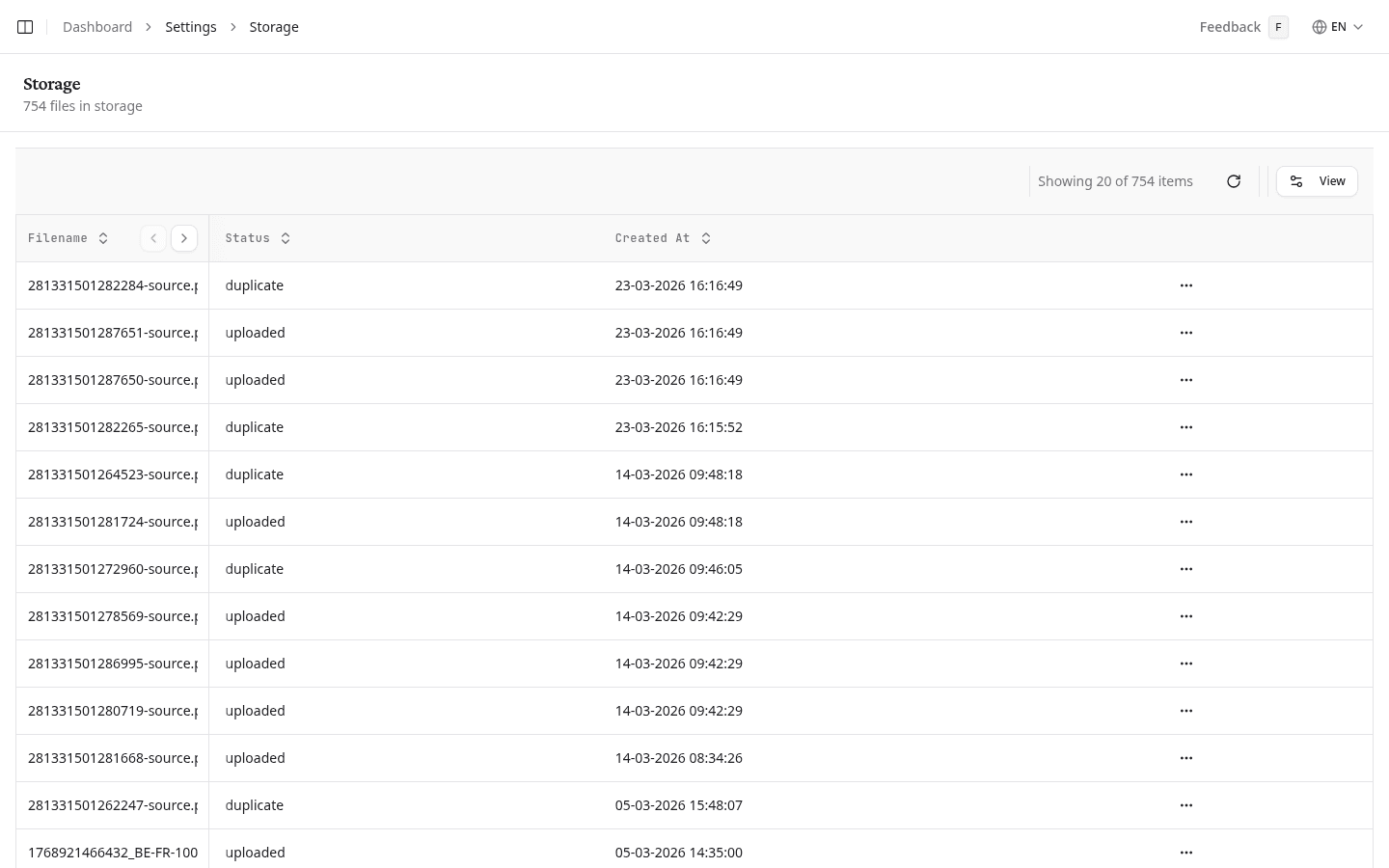
View an uploaded file
- Find the file in the list. Sort by Filename, Status, or Created At by selecting the column header.
- Open the options menu (⋮) on the file's row.
- Select View File. The document opens in a new browser tab.
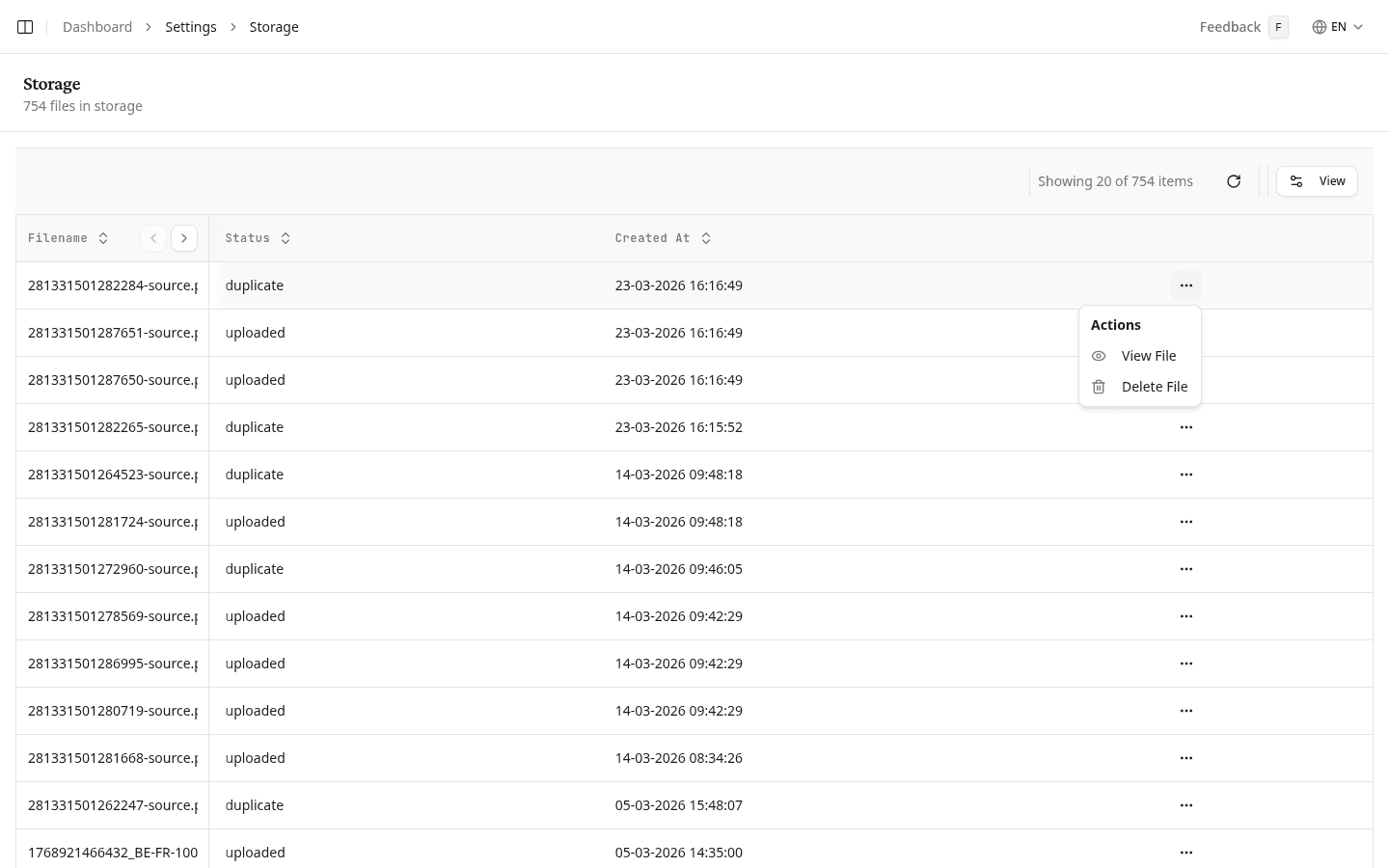
Check file statuses
| Status | Meaning |
|---|---|
| uploaded | NextSDS received and stored the file successfully |
| duplicate | An identical file already exists. NextSDS keeps the original |
Delete a file
- Open the options menu (⋮) on the file's row.
- Select Delete File.
Deleting a file removes it permanently. If the file belongs to a product in your library, that product loses its source document.
Choose which columns to show
Select Columns to pick the columns the list shows. The ones already in view sit at the top under Shown, where you can drag them into the order you want.
Load older files
The list shows 20 files at a time, sorted by most recent. Scroll to the bottom and select Load more to see earlier uploads.
What to do next
Open your library to manage the products linked to these files.