Manage recipient types
Define the packaging and storage types your team uses to record stored quantities.
A recipient type is a packaging or storage format, such as a drum or a storage tank. Every team starts with an empty list, since recipient types vary by industry.
Open recipient types
Open Settings > Recipients in the sidebar.
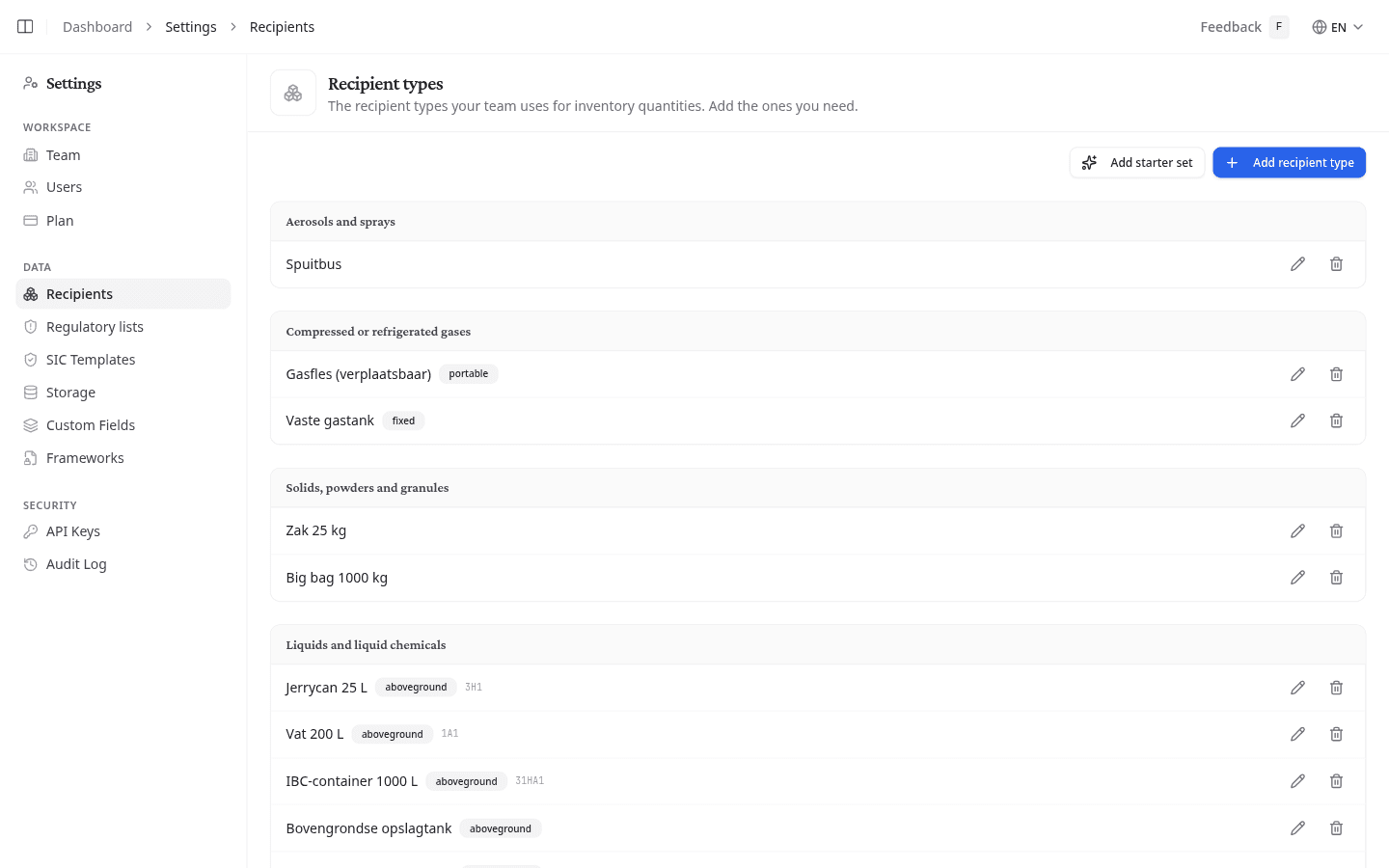
Add a recipient type
- Select Add recipient type.
- Enter a name, for example "200L drum" or "IBC".
- Select a Physical state: Aerosols and sprays, Compressed or refrigerated gases, Solids/powders/granules, Liquids and liquid chemicals, or Other/unspecified.
- For gas, select a Gas configuration: Portable (movable recipients) or Fixed (fixed tanks). For liquid or solid, select a Storage topology: Aboveground or Underground.
- Optionally enter a UN code (ADR/IMDG/RID/air).
- Select Add.
Gas configuration and storage topology feed the VLAREM rubriek calculation on a product's Quantities and Overrides tabs. Leave them unset when they do not apply.
Start from a common set
If your list is empty, select Add starter set to add common Belgian defaults: drums, IBCs, bags, gas cylinders, and storage tanks. Edit or delete any of them afterward.
Edit or delete a recipient type
Select the pencil icon on a row to edit it, or the trash icon to delete it.
What to do next
Recipient types appear in the Recipient field on a product's Quantities tab. Set up the types your team needs, then record stored quantities for each product.