Audit Log
Review a chronological record of all changes made to your SDS library.
The audit log records every change to your SDS library: documents added, updated, deleted, or moved to a new status. Use it to verify who changed what and when.
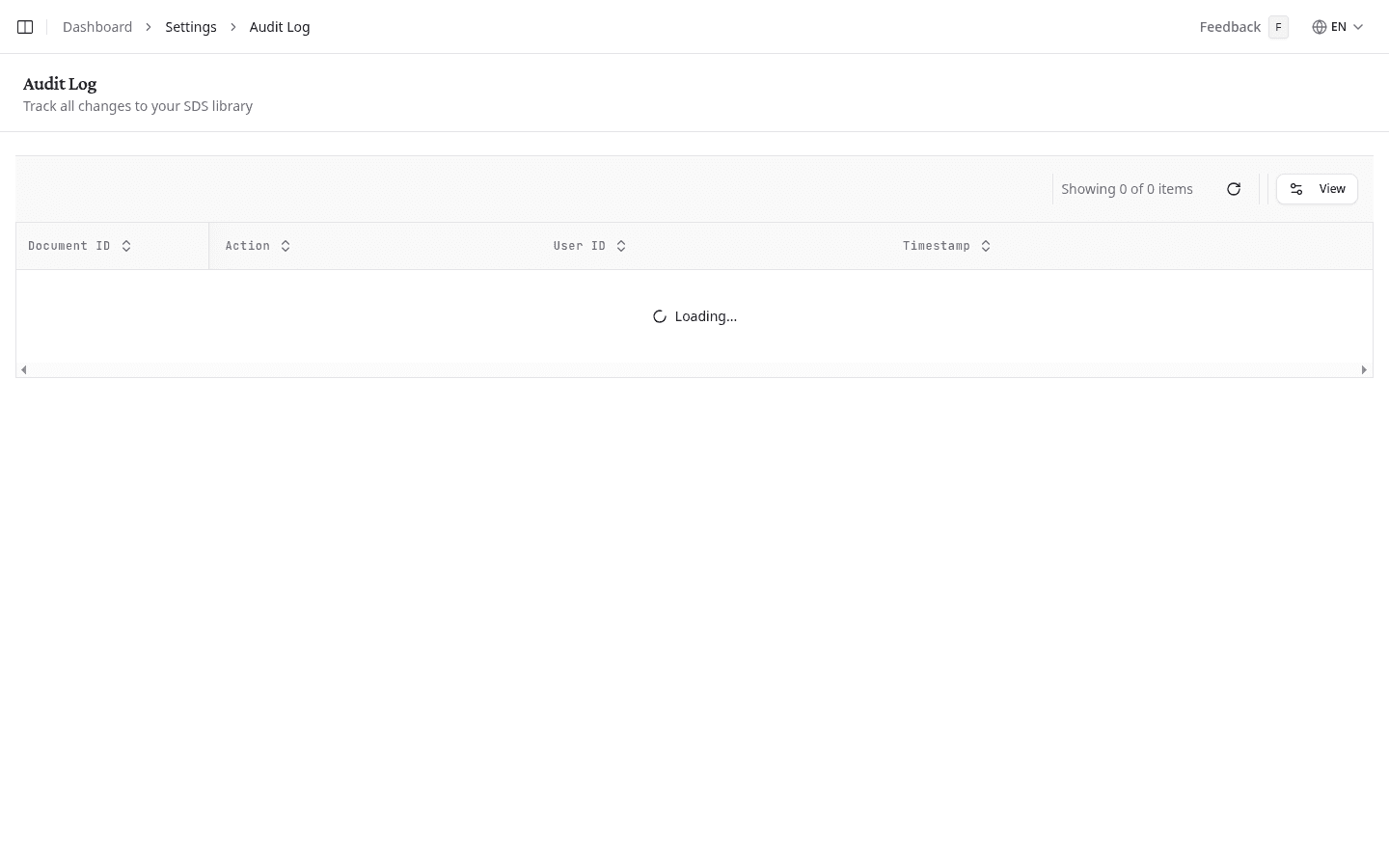
Review changes
Each row in the log shows:
| Column | What it shows |
|---|---|
| Document ID | The SDS reference number. Select it to open the document directly. |
| Action | What happened: Created, Updated, Status Changed, or Deleted. |
| User ID | Who made the change. Automated changes show System. |
| Timestamp | The exact date and time of the change. |
Select the eye icon on a row to open Audit Log Details. It names the action and the exact time, then shows two sections where the record has them: Changes for the fields that were modified with their previous values, and Metadata for the technical context NextSDS stored alongside the change. Both appear as raw recorded data rather than a formatted table.
Sort and customise the view
Select any column header to sort the log by that column. Select Columns to show or hide columns.
What to do next
Review your team members and their roles to ensure the right people have access to your library.