The REACH overview
Check how much of your library has been assessed for data quality, and how much of it holds up.
REACH counts the data quality of your library across six cards: Total products, Assessed, Passed, Fair, Poor, and Not assessed. Together they tell you how much of your library has been checked, and how much of it holds up.
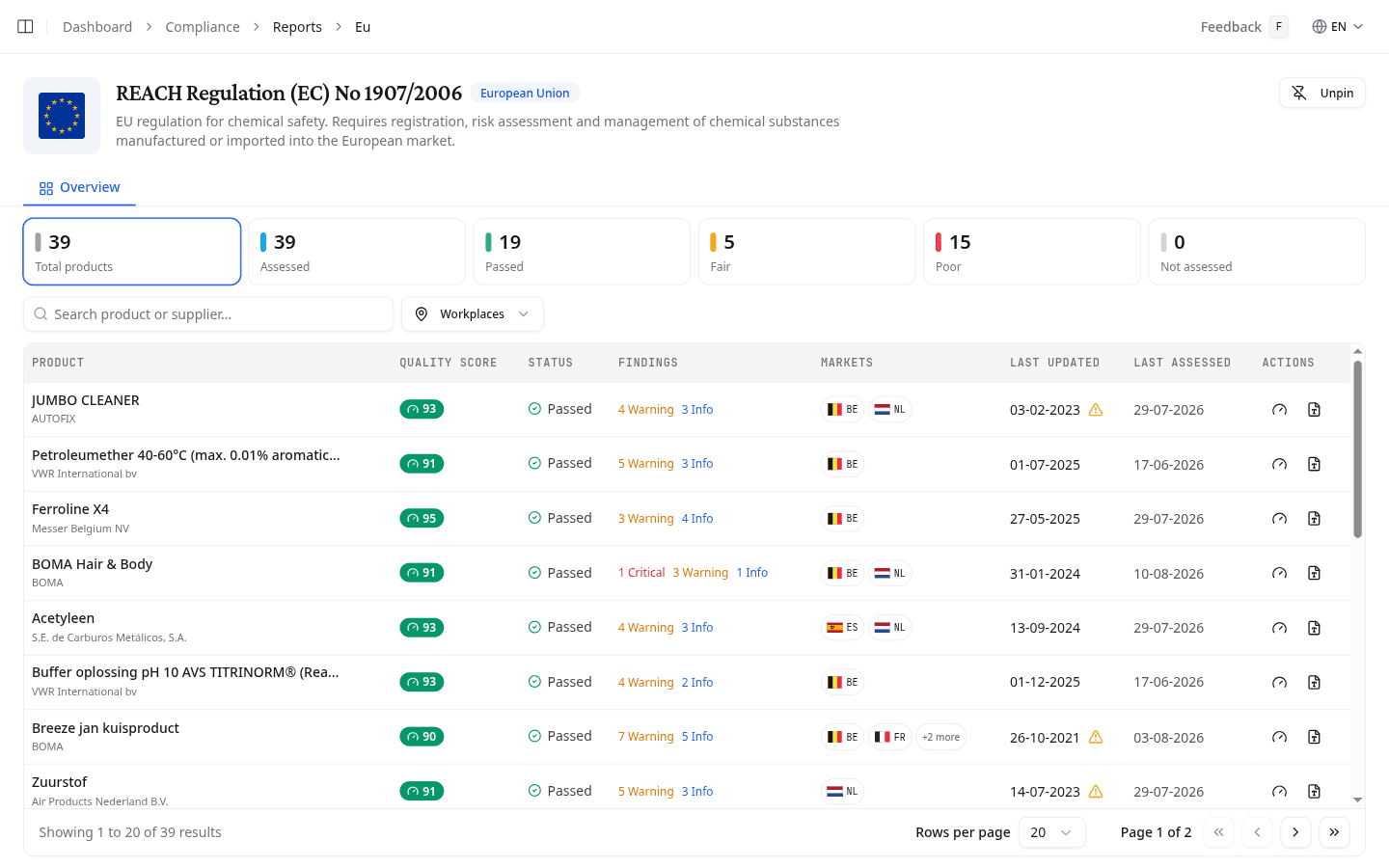
Read the quality cards
Select a card to filter the list below it to those products. Each row then shows the product's Quality score with the status and the findings behind it. Filter the list by Workplaces.
A poor score points at the sheet, not the product. Ask the supplier for a newer SDS when the findings show missing sections or missing classification data.
What to do next
Run the REACH report once the assessed share is high enough to stand up in an audit.