Framework settings and controls
Set the team values a framework calculates with, and read its checklist of requirements.
Two tabs sit behind every report. Settings holds the values the framework calculates with, and Controls holds the requirements it checks against. Both are per framework, so a value you set for VLAREM does not carry over to REACH.
Configure framework settings
Some frameworks calculate with team-level values. VLAREM, for example, needs a fallback density for the litre to kilogram conversion when an SDS does not state one.
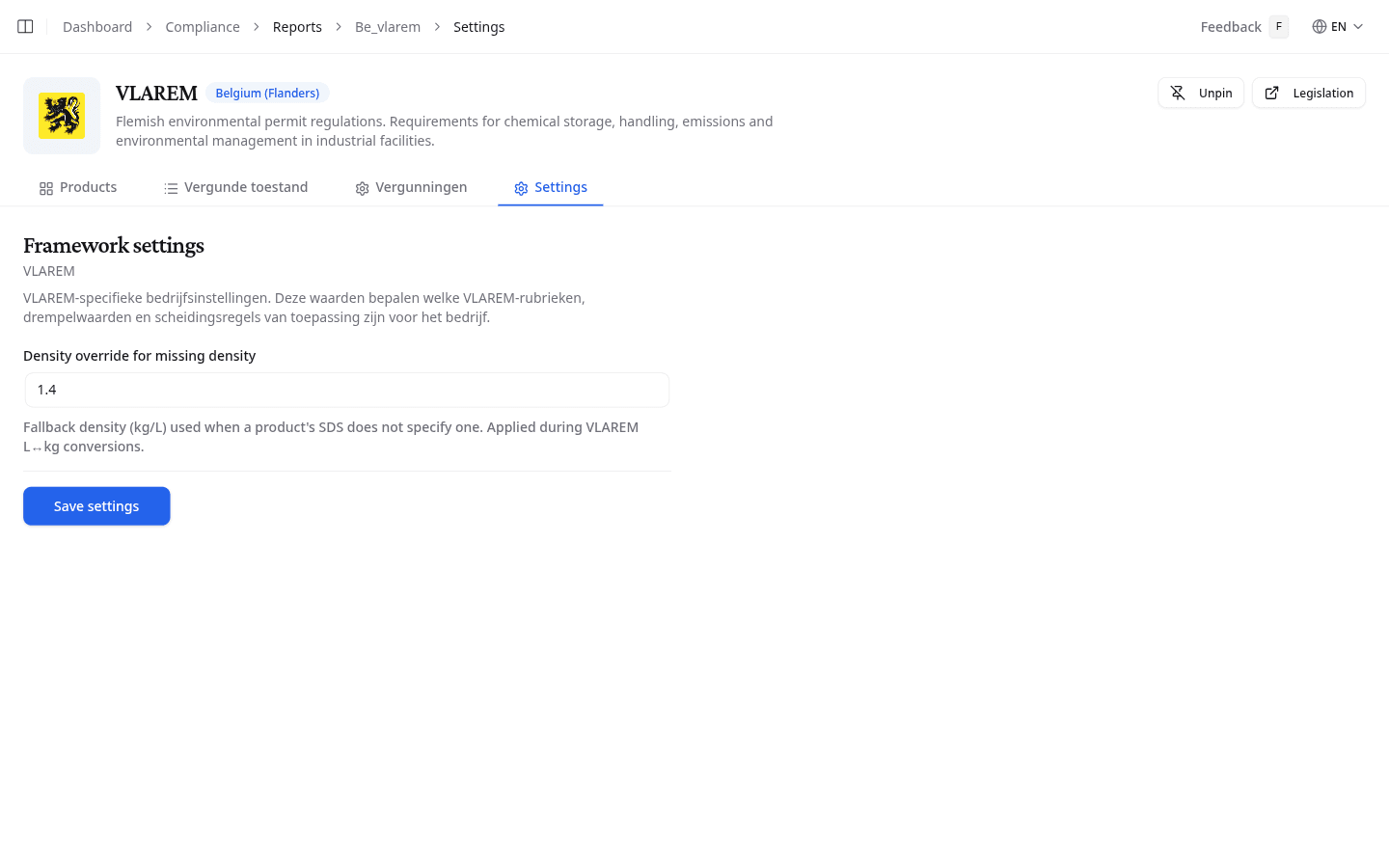
- Open the Settings tab.
- Fill in the fields. They differ per framework.
- Select Save settings.
Review framework controls
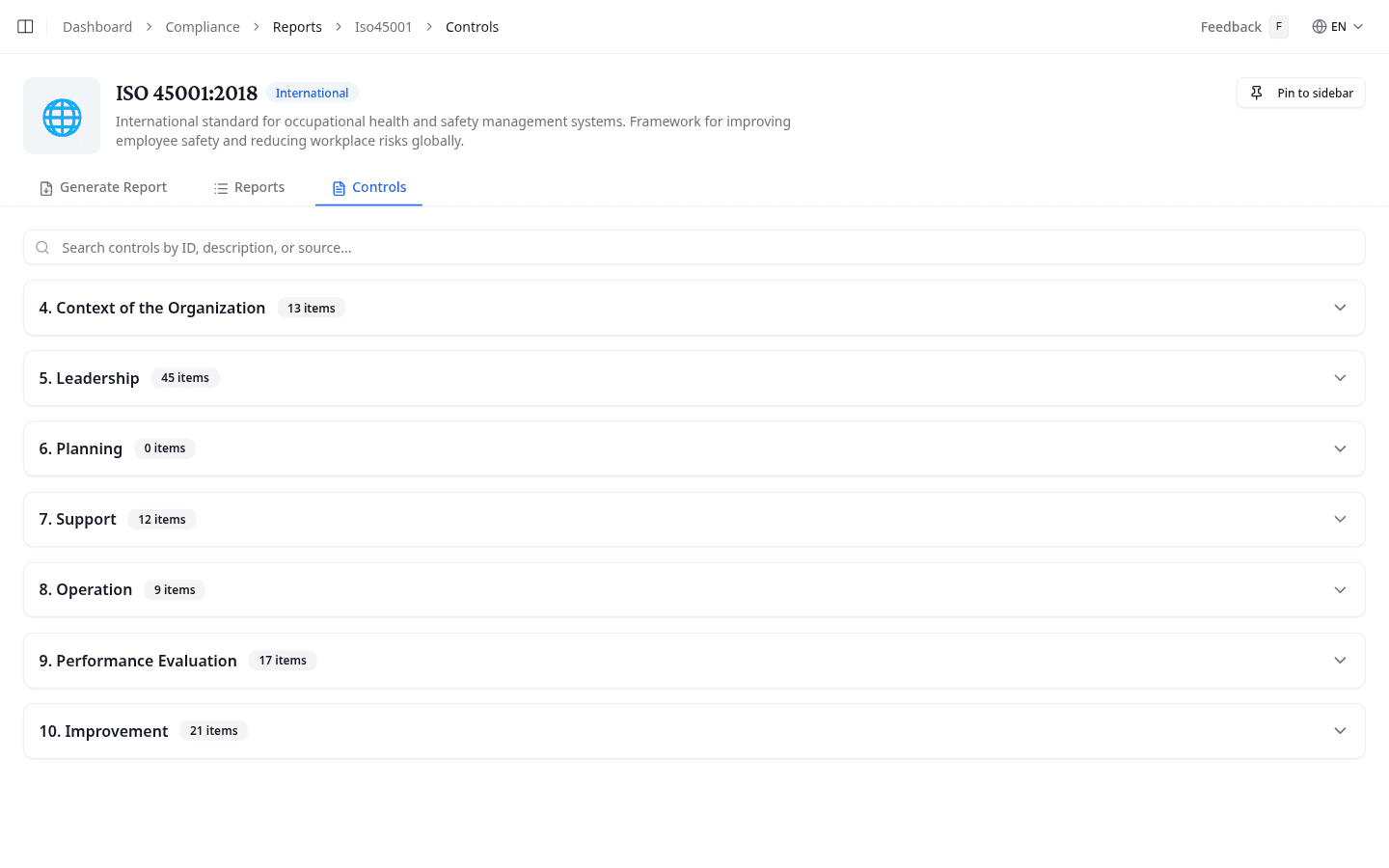
Controls lists the framework's own requirements, grouped into sections with an item count. Expand a section to read the individual controls with their ID, description, and source reference.
What to do next
Return to generating a report now that the framework calculates with your own values.